AI Companion Plugin
An AI assistant plugin for Obsidian that allows you to ask questions, get responses, and include page content as context.
AI Companion Plugin is an AI assistant plugin for Obsidian that enables users to interact with AI directly within their notes. It provides context-aware responses, quick access commands, and seamless integration with OpenAI.
Features
- Quick access with
/aicommand: Instantly invoke the AI assistant from anywhere in your notes. - Context-aware responses: The plugin can use the content of your current page to provide more relevant answers.
- Insert into notes: Easily insert AI-generated responses directly into your Obsidian notes.
- OpenAI integration: Connects with OpenAI’s API for powerful language understanding and generation.
Tags: AI Assistant, Obsidian, OpenAI, TypeScript
Usage
-
Install the Plugin
- Download or install the AI Companion Plugin from the Obsidian community plugins directory or GitHub.
-
Configure OpenAI API Key
- Enter your OpenAI API key in the plugin settings to enable AI-powered features.
-
Invoke the AI Assistant
- Use the
/aicommand in any note to start a conversation or ask a question.
- Use the
-
Insert Responses
- Choose to insert the AI’s response directly into your note for future reference.
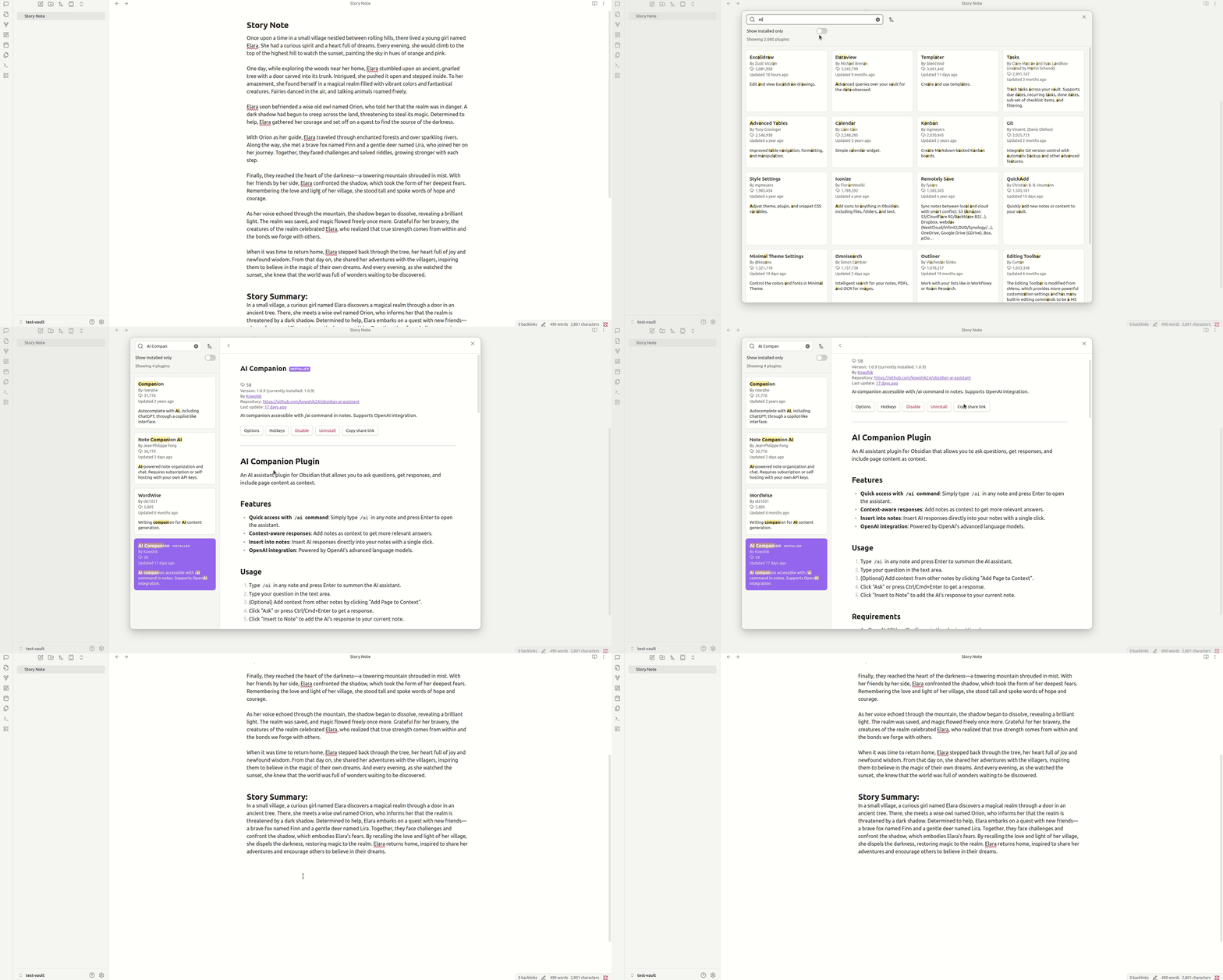
Example
Customization
- Adjust prompt templates and context settings in the plugin options.
- Set preferences for response formatting and insertion behavior.
Limitations
- Requires an active internet connection and a valid OpenAI API key.
- Responses depend on the context provided and the capabilities of the OpenAI model.